Translation
Tenderwell provides an integrated translation feature that allows you to read tenders and organization information in your preferred language. Whether you're browsing search results or viewing detailed pages, you can instantly translate content without leaving the platform.
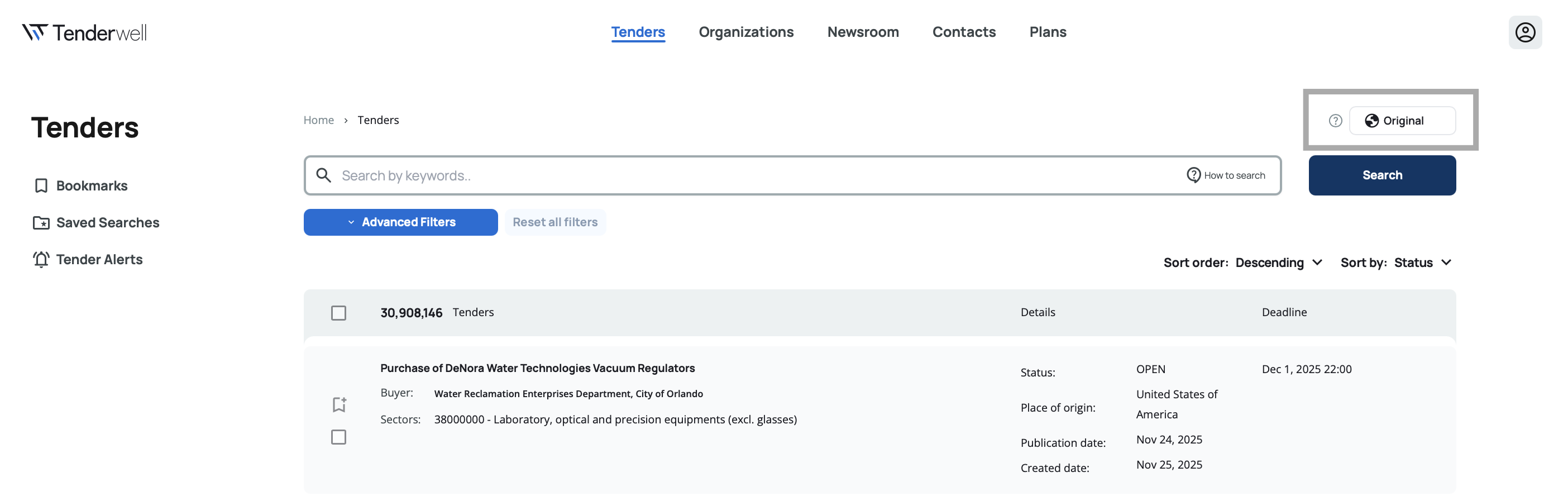
Available Languages
The translation feature supports four language options:
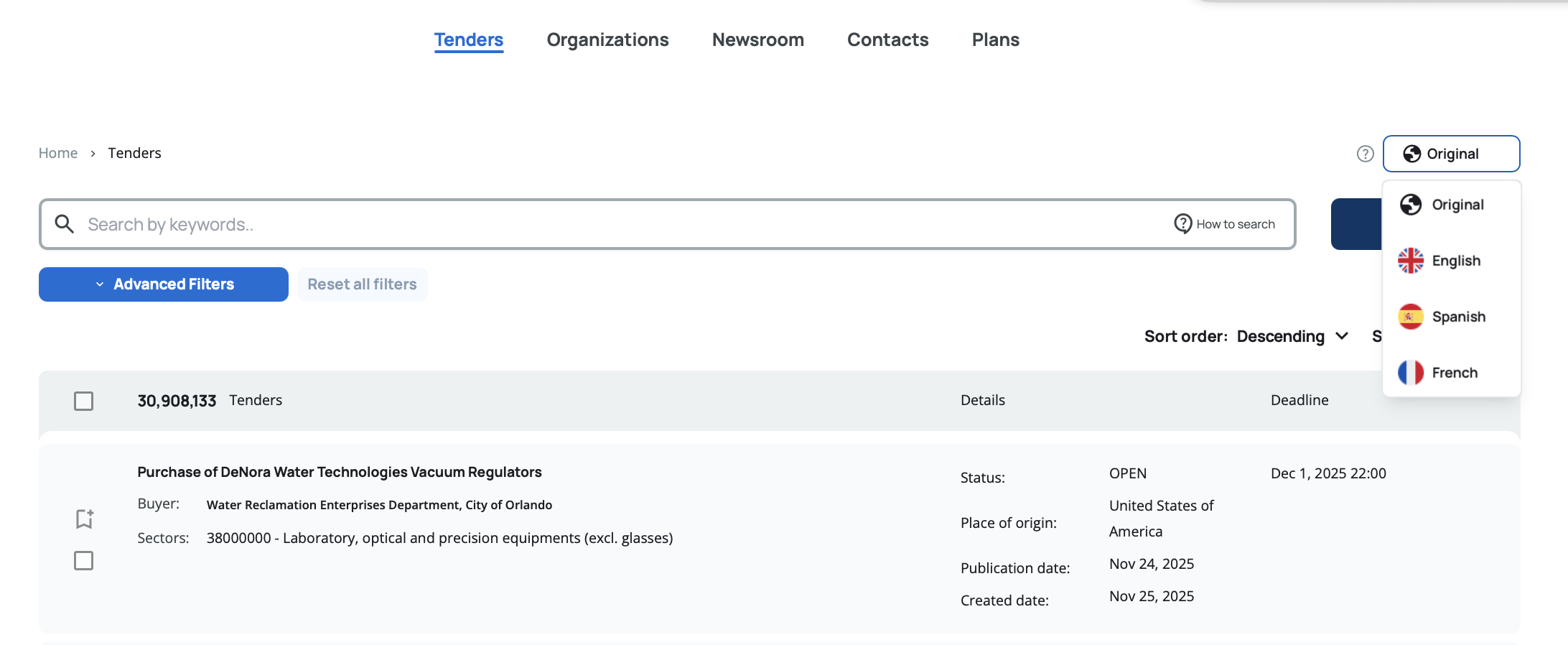
Original – Displays content in its original source language, preserving the exact text as published.
English – Translates all applicable content into English.
French – Translates all applicable content into French.
Spanish – Translates all applicable content into Spanish.
This multilingual support ensures that language barriers don't prevent you from exploring opportunities across different countries and regions.
The translation feature applies only to tender and organization content (titles, descriptions, etc.). The platform interface itself—including field labels, buttons, menus, and navigation—remains in English to ensure consistency across all users.
How to Use Translation
The language selector appears as a button in the top right corner of both search and details pages. Click the button to open a dropdown menu with the available language options.
On Search Pages
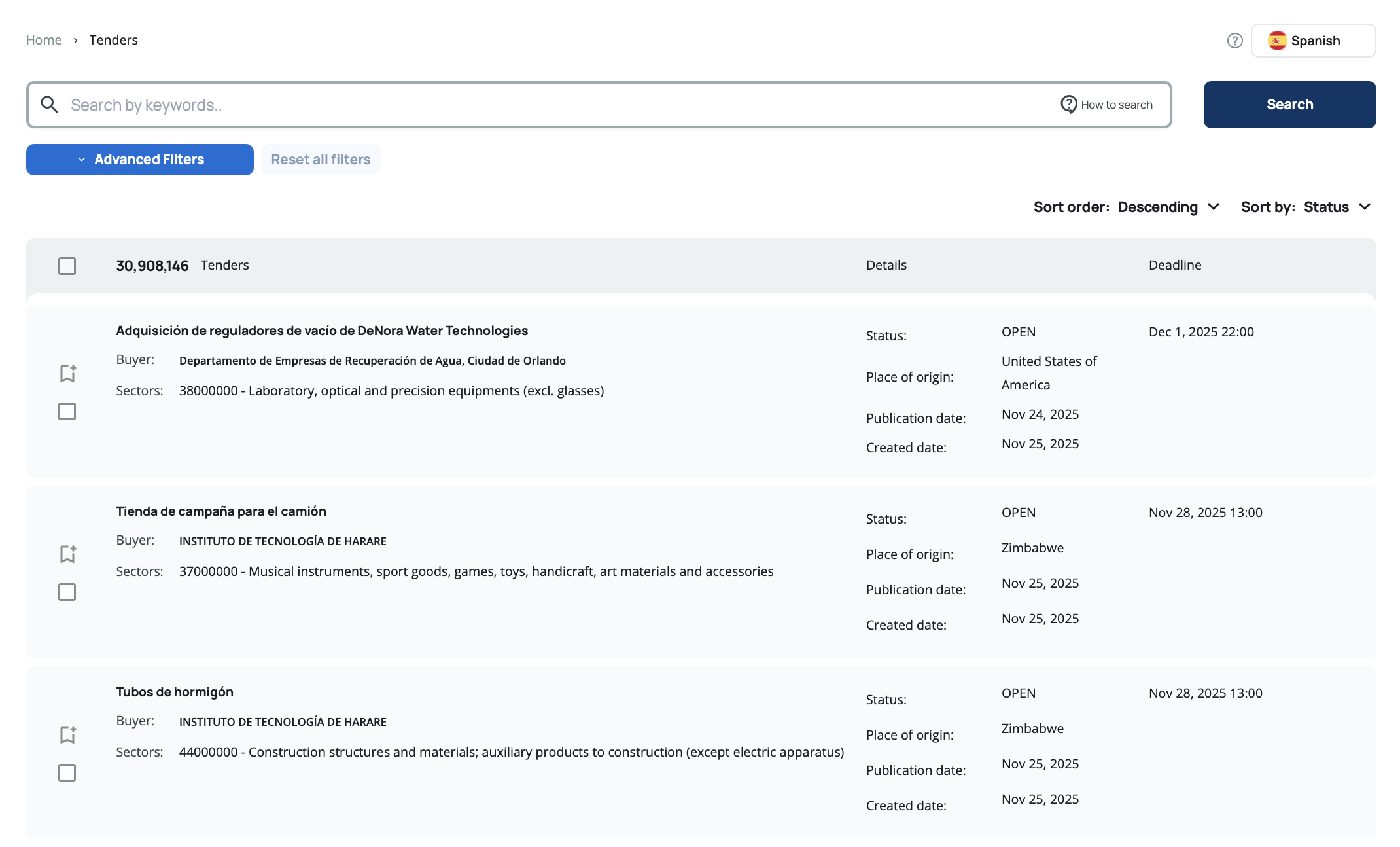
When viewing tender or organization search results, select your preferred language from the dropdown. The search results will update to display translated content across all applicable text fields.
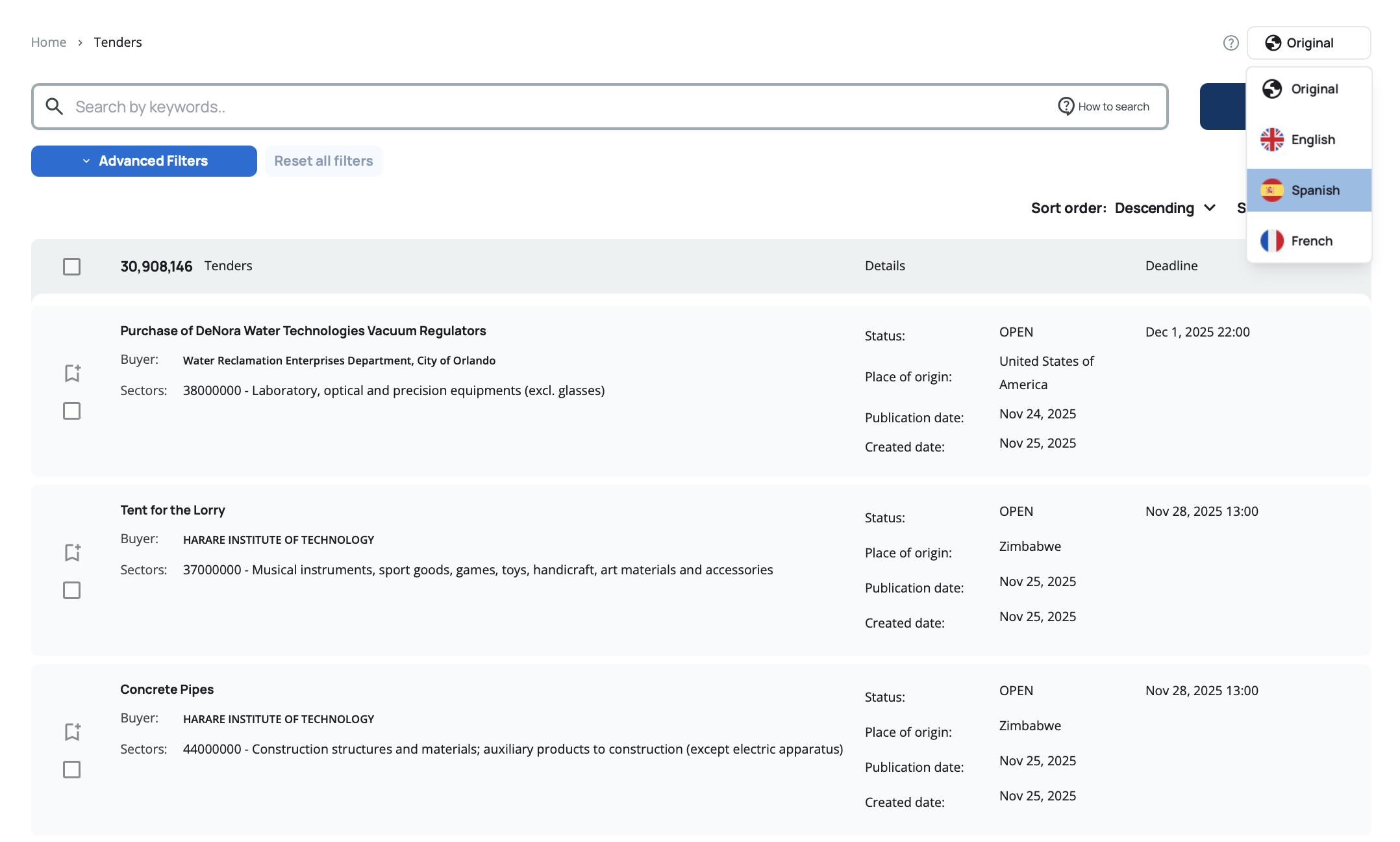
The translation applies to all search results on the page, making it easy to scan and evaluate multiple opportunities in your preferred language.
On Details Pages
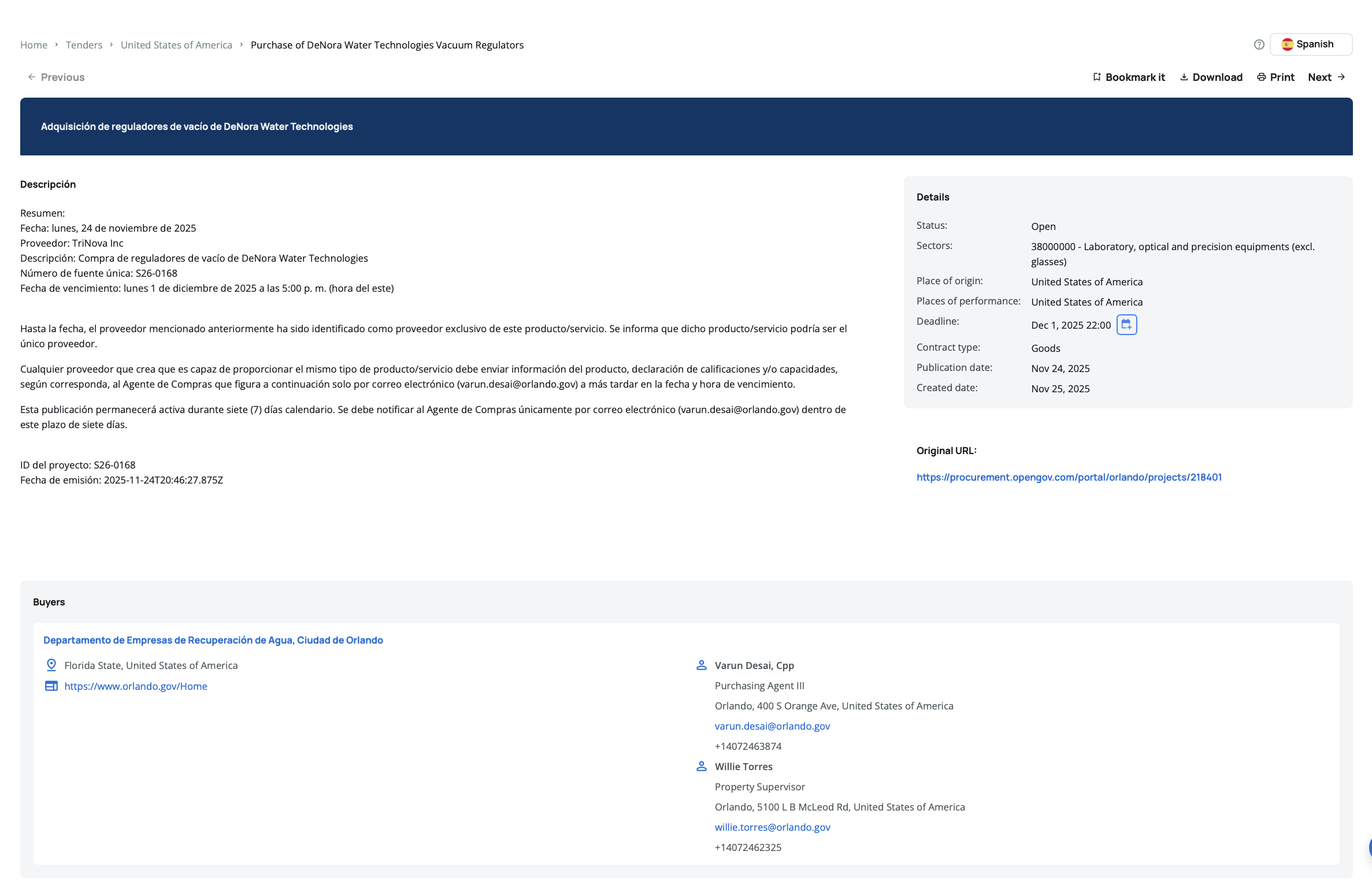
When viewing a specific tender or organization details page, use the language selector to translate the page content.
For Tenders:
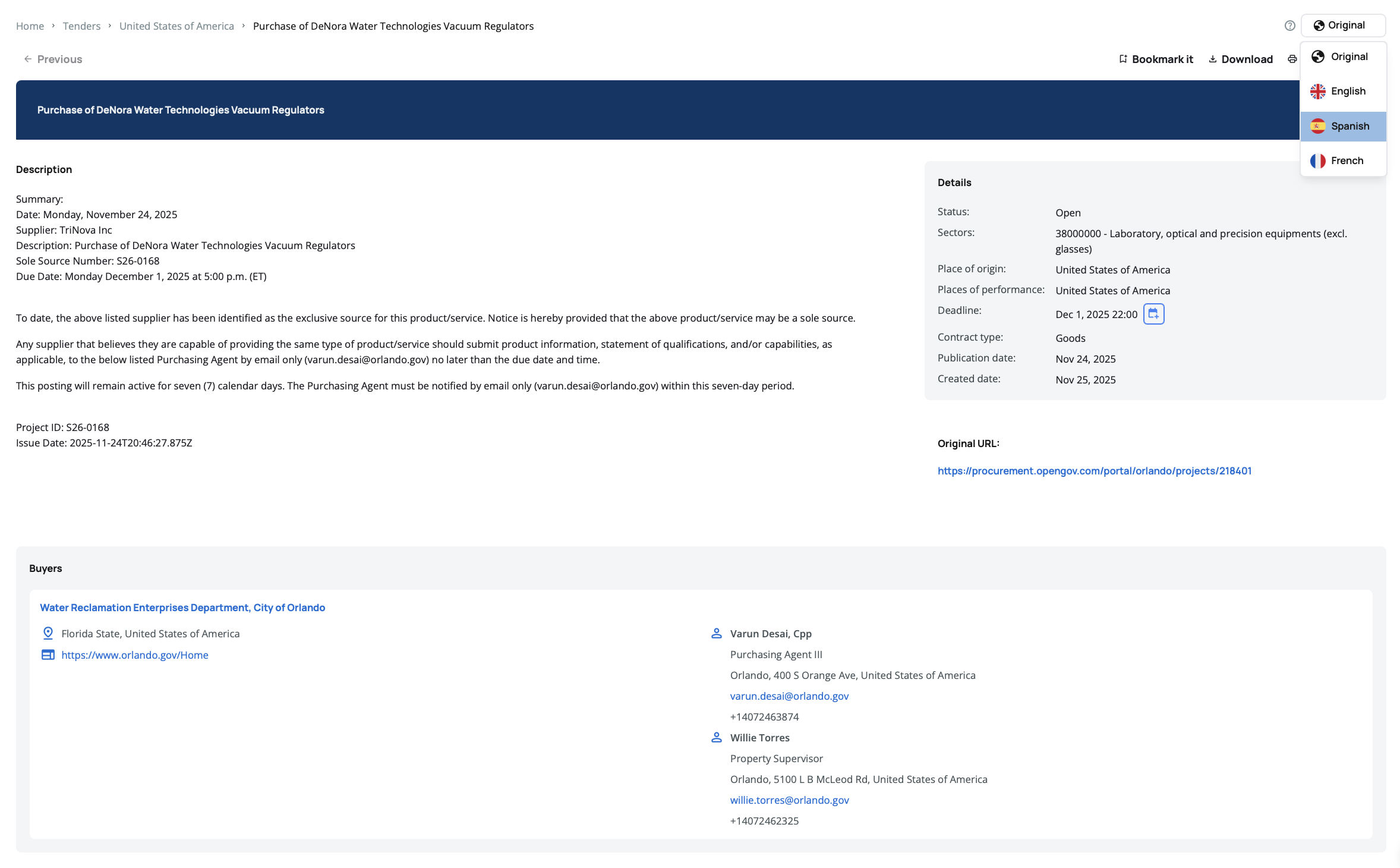
The translation applies to tender information such as titles, descriptions, and related content, helping you understand the full context of each opportunity.
For Organizations:
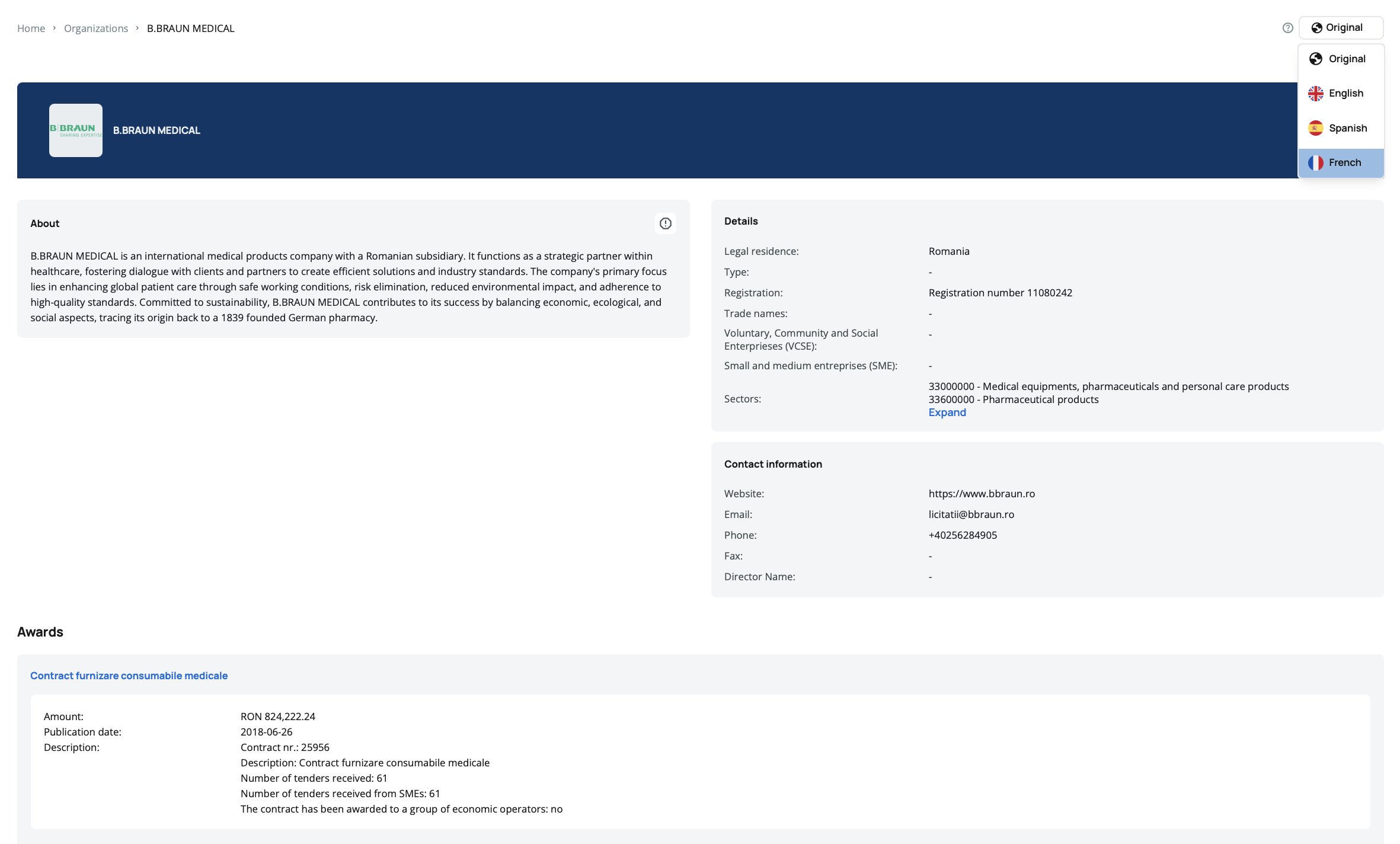
The translation applies to organization information such as names, descriptions, and related content, giving you insight into the organizations behind the tenders.
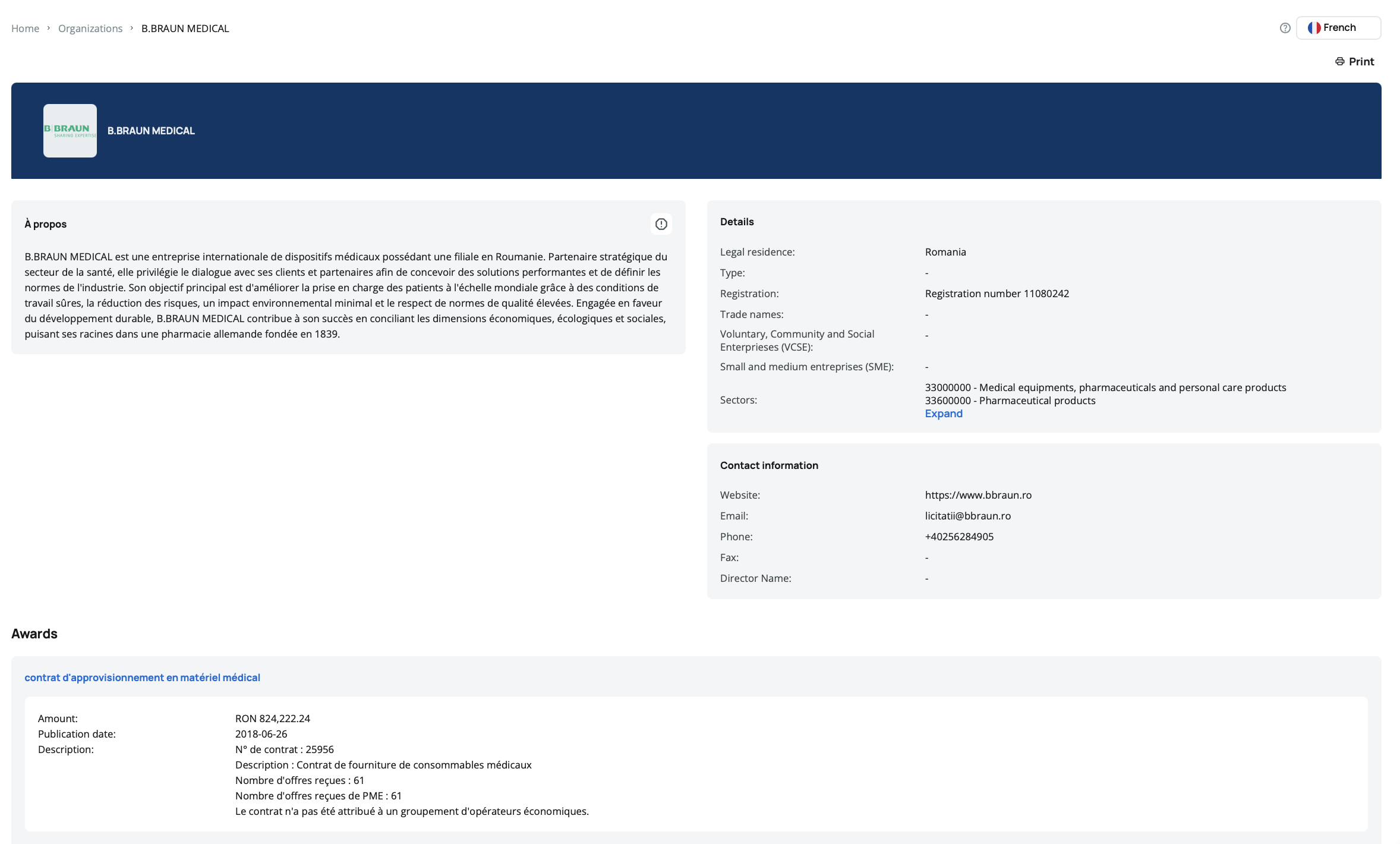
Choose "Original" when you need to see the exact legal language used in the source document, particularly for contract terms or official requirements.
Use the translation feature when researching new markets or regions. Reading tenders in your native language helps you quickly assess whether an opportunity matches your capabilities before investing time in detailed analysis.
Translation Quality
Translations are processed using an internal translation service that provides:
- Instant Results – Content translates immediately when you select a language
- Consistent Terminology – Technical terms and procurement vocabulary are handled appropriately
- Preserved Formatting – Original document structure and formatting remain intact
Translations are provided for convenience and general understanding. For legal or contractual purposes, always refer to the original language version of the document.
Switching Languages
You can change the language at any time:
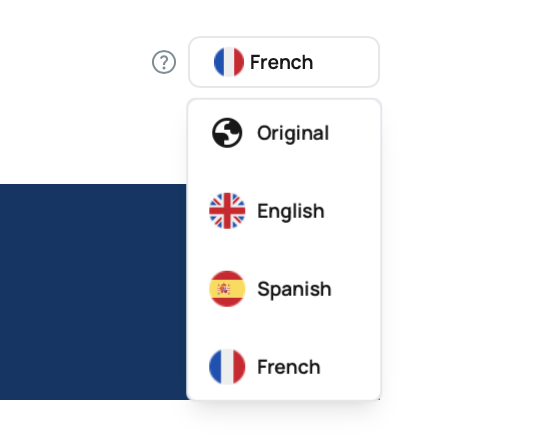
- Click the language button in the top right corner
- Select your preferred language from the dropdown
- The page content updates immediately
Your language selection persists as you navigate between pages, so you don't need to reselect it for each tender or organization you view.
Translation settings are personal to each user. When working with a multilingual team, each member can configure their own preferred language. When you share a tender or organization link with colleagues, they will see the content in their own configured language preference, allowing everyone to work in their most comfortable language while reviewing the same information.