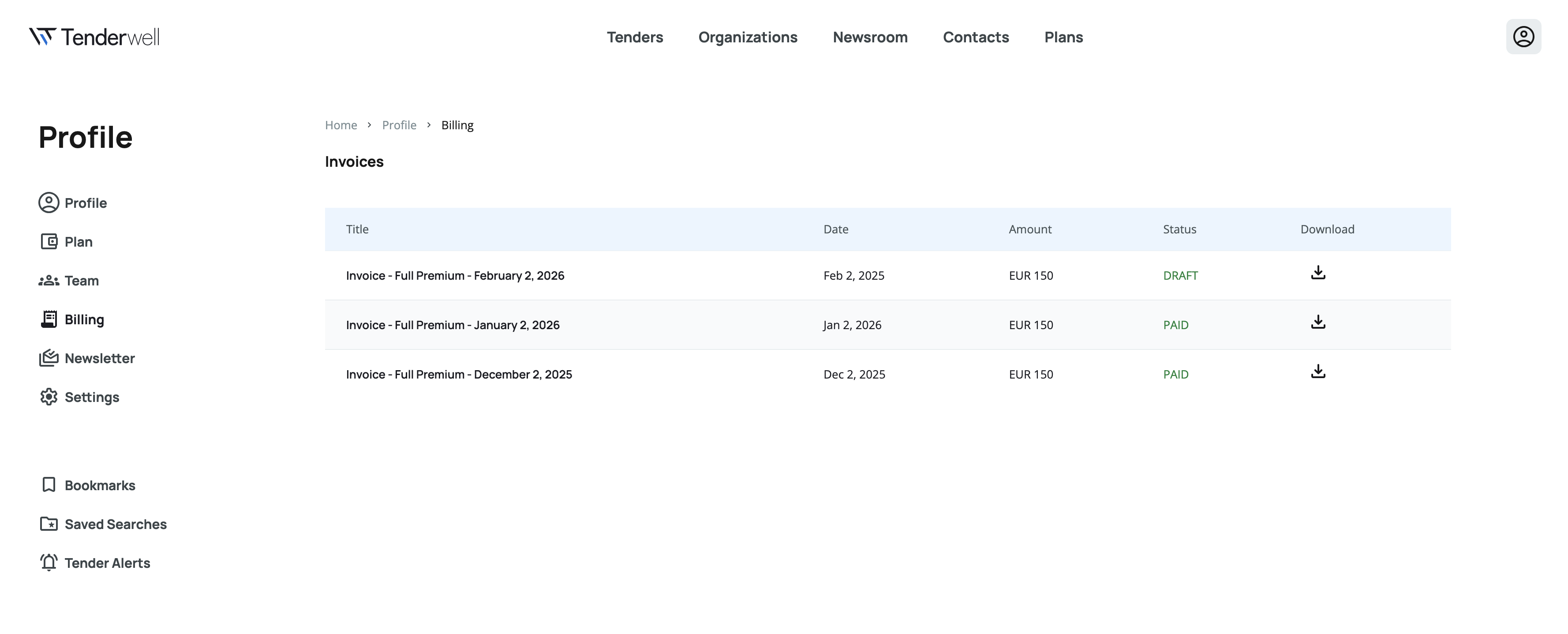
Billing
If you purchased a subscription to a paid plan directly from the Tenderwell website then you can view and download the payment invoices from the Billing page
You can access the Billing page through the Billing link in the User Profile menu
note
You have to be signed in to access the Billing page
Accessing the Billing page
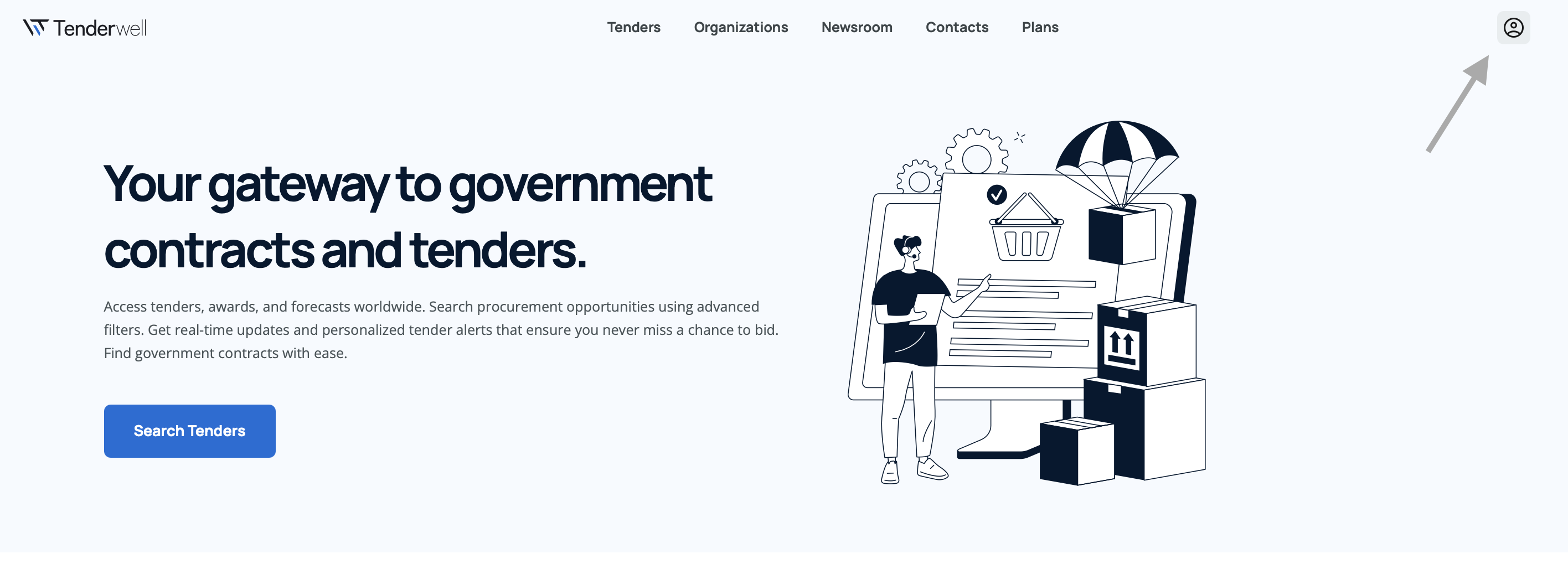
- Click on the profile icon in the top navigation bar
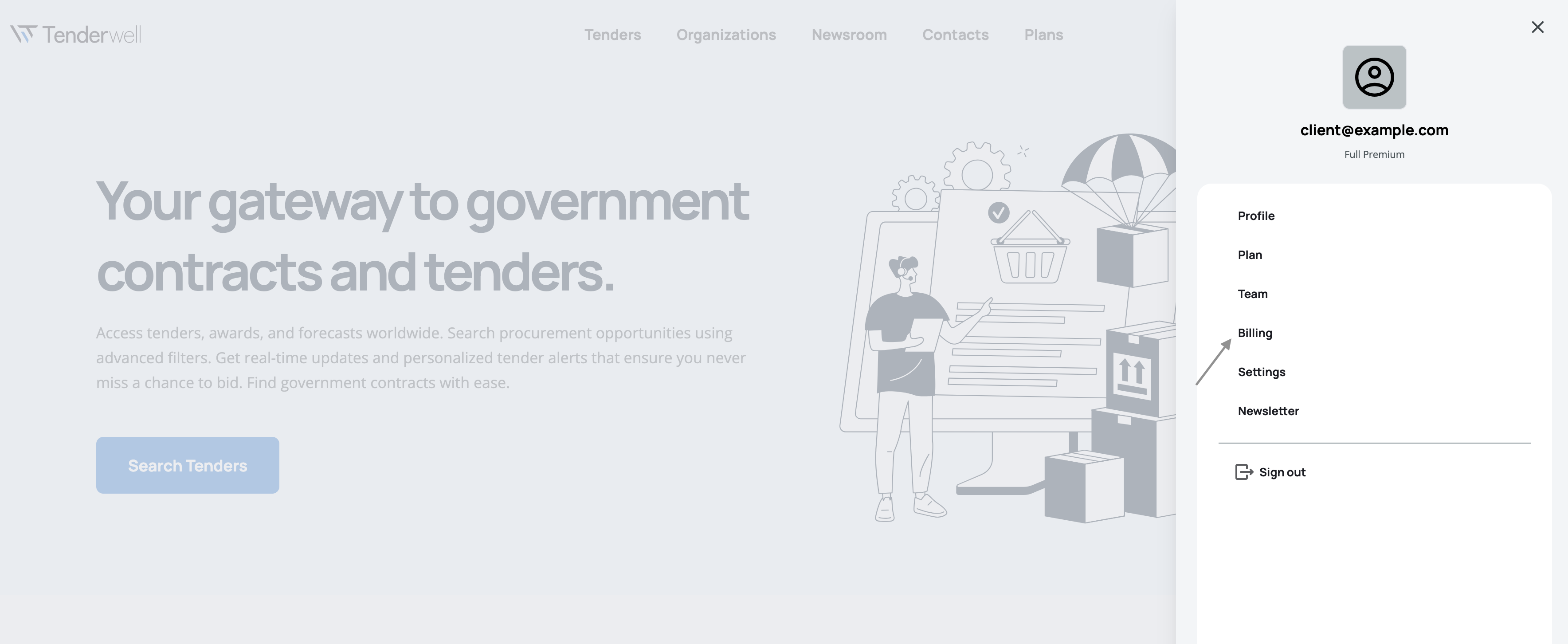
- In the menu that opens click on the Billing link
tip
You can also access the billing page by going directly to this link: Tenderwell Billing
Page overview
On the billing page you can see the list of all of your invoices. Each invoice in the list has the following information associated with it:
- Title - Invoice title, which contains the name of your Tenderwell plan
- Date - Date when the invoice was created
- Amount - Amount on the invoice
- Status - Status of the invoice, can be one of:
- Draft or Open - Invoice has been created and is awaiting the automatic payment
- Paid - Invoice has been successfully paid
- Void - Invoice has been cancelled
- Download - Link to download the invoice as a PDF document