Free Tender Alerts
Free Tender Alerts let you subscribe to tender alert emails directly from the Tenderwell homepage. This flow is designed for quick signup and does not require creating an account first.
Unlike the logged-in Tender Alerts feature, these alerts are created from the homepage form and are delivered by email on a daily schedule by default.
How to Create Free Tender Alerts
Open the Tenderwell homepage and scroll to the Receive Tenders Alert Emails for Free! section.
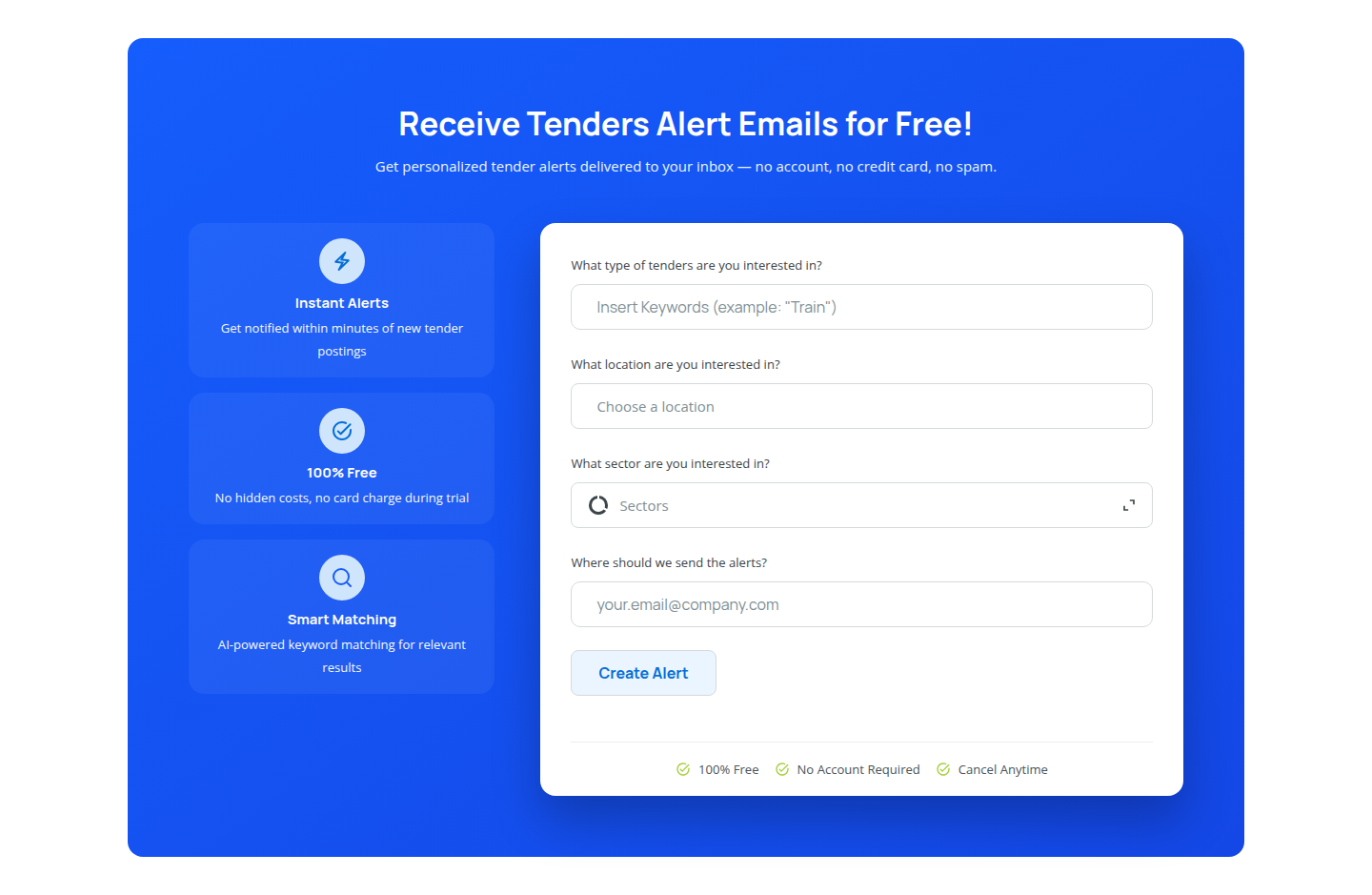
Fill in the form fields:
What type of tenders are you interested in? - Enter keywords or a short description of the tenders you want to track.
What location are you interested in? - Choose the country or location you want the alerts to focus on.
What sector are you interested in? - Select the sector that best matches your business interests.
Where should we send the alerts? - Enter the email address that should receive the alert emails.
After completing the form, click Create Alert.
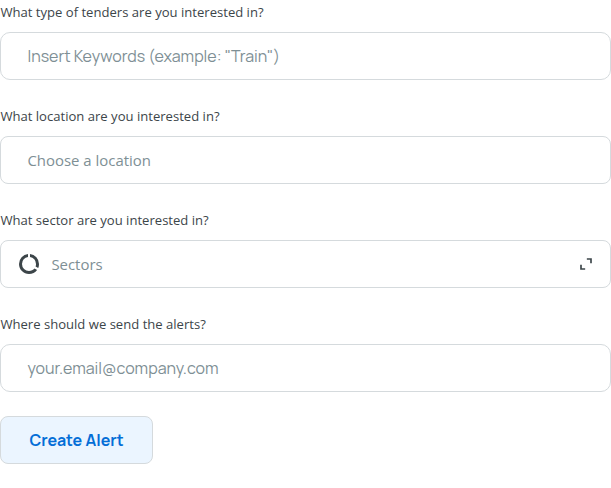
Use clear keywords and the most relevant sector and location available in the form. More precise criteria usually lead to more relevant alert emails.
What Happens After You Create an Alert
After you submit the form, Tenderwell uses your selected topic, location, sector, and email address to prepare alert emails for matching tenders.
Free tender alerts are sent daily by default.
Free alerts cannot be modified after creation. If you need more control over your alerts such as editing, enabling, disabling, or deleting alerts from your account, use the logged-in Tender Alerts feature instead.
How to Stop Free Tender Alerts
If you no longer want to receive free tender alert emails, unsubscribe from the email itself.
You can unsubscribe in either of these ways:
- Use the unsubscribe link included in the email.
- Use an email client that supports the
List-Unsubscribeheader button.
Once unsubscribed, the alert emails stop without needing to sign in to Tenderwell.
If you want to receive alerts again later, return to the homepage form and create a new free alert.